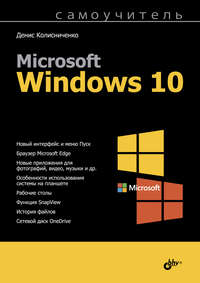
Аннотация
Описаны как базовые функции, так и основные новинки Windows 10: улучшенный интерфейс системы и меню Пуск, браузер Microsoft Edge, новые приложения для фотографий, музыки, видео и др. Особое внимание уделено новым способам ввода текста и использованию системы на планшетах. Рассмотрены среда восстановления Windows, функции История файлов и SnapView, сетевой диск OneDrive, Магазин Windows и другие возможности Windows 10. Дополнительно описаны почтовый клиент Outlook 2013 и программа Skype.
Для широкого круга пользователей.

![PHP и MySQL. Разработка веб-приложений. [5-е издание]](https://www.rulit.me/data/programs/images/php-i-mysql-razrabotka-veb-prilozhenij-5-e-izdanie_676943.jpg "Даны начала программирования на PHP: установка и настройка Apache, PHP и MySQL, а также кроссплатформенной сборки XAMPP, выбор редактора PHP-кода, синтаксис языка и самые...")
![Нечеткие модели и сети [2-е издание, стереотипное]](https://www.rulit.me/data/programs/images/nechetkie-modeli-i-seti-2-e-izdanie-stereotipnoe_676022.jpg "Книга посвящена исследованию нечетких моделей, используемых для описания, анализа и моделирования сложных слабо формализуемых систем и процессов, а также...")

Комментарии к книге "Самоучитель Microsoft Windows 10"